
The Modern Cloud Architect’s edge is rapidly harnessing and applying an ever-evolving knowledge universe – It’s not about memorizing details; it’s about knowing possibilities and using the right keywords to unlock your cloud potential.
In the AWS world, one of the key sources of high-level knowledge are AWS Events. While attending AWS Events in person may be a life-changing experience, the amount of required time is prohibitive for most people. Fortunately, AWS shares their recordings via their YouTube channels.
Step #1 – Subscribe to these Internet Services
I recommend subscribing to these Internet Services:
| Service Name | Description |
|---|---|
| YouTube Premium | Watching videos ad-free is a time saver |
| Feedly | Feedly allows monitoring YouTube channels and shows you only unwatched videos. |
| Eightify Pro | Eightify Pro processes each video’s transcript for (1) insights and (2) a summary. Install its MS Edge/Chrome extension first. |
Step #2 – Import to Feedly the YouTube channels you wish to monitor
The principal AWS YouTube Channels are these:
- AWS Events – YouTube
- AWS Online Tech Talks – YouTube
- Amazon Web Services – YouTube
- Build On AWS – YouTube
Open Feedly at Discover and Add New Feeds (feedly.com) and add any of the URLs above:
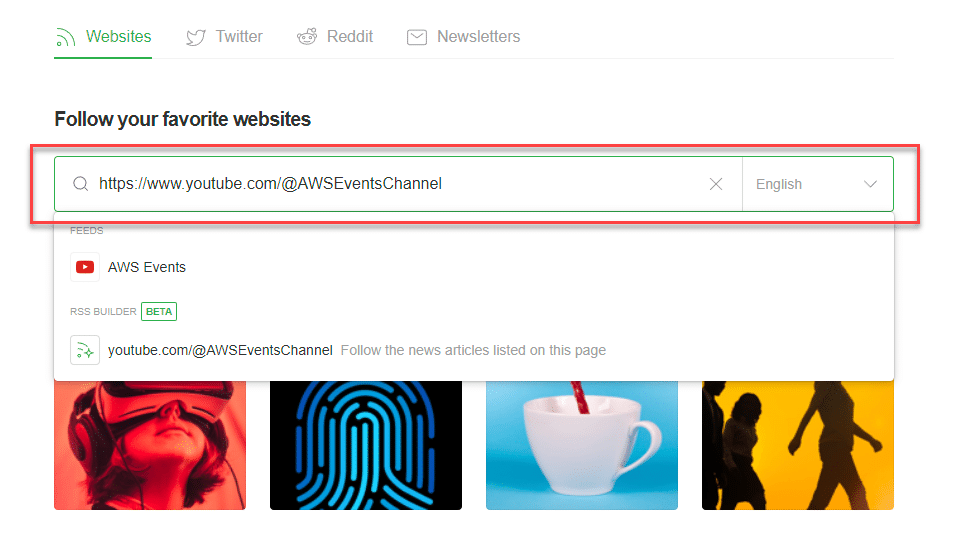
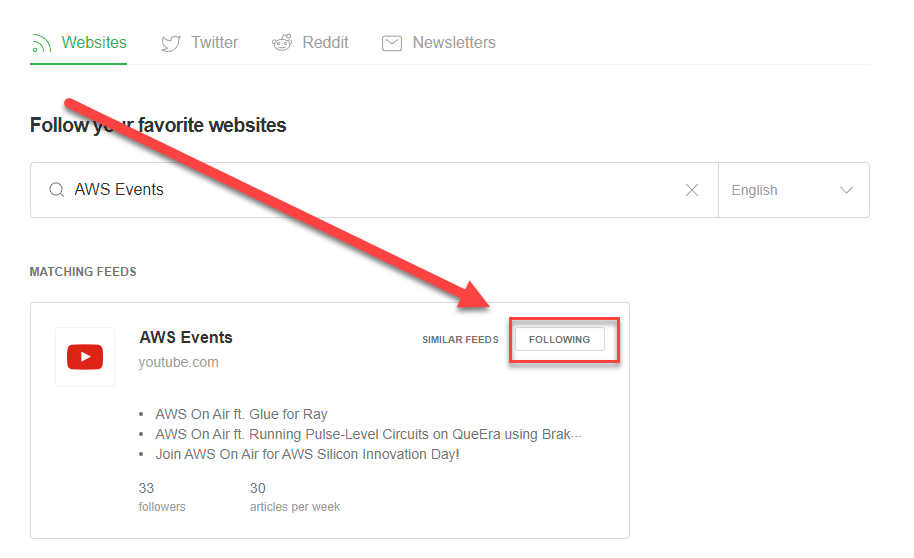
Step #3 – Monitor the latest videos in Feedly and open the ones of interest
Feedly then displays the latest videos in one of the feeds, for example:
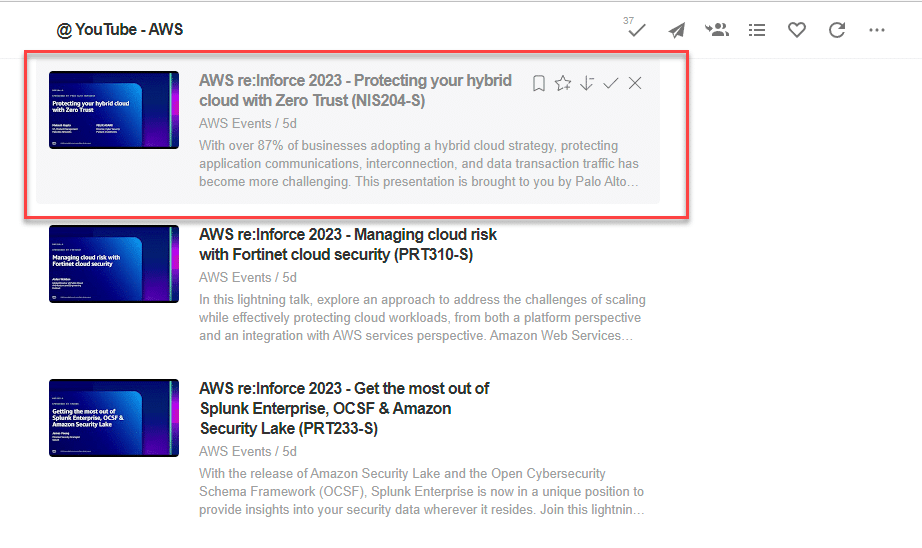
Open any of the videos of interest in a new browser’s tab.
Step #4 – Generate the Video’s Insights and Summary
Click on the Summarize button and rapidly read the Insights of the video.
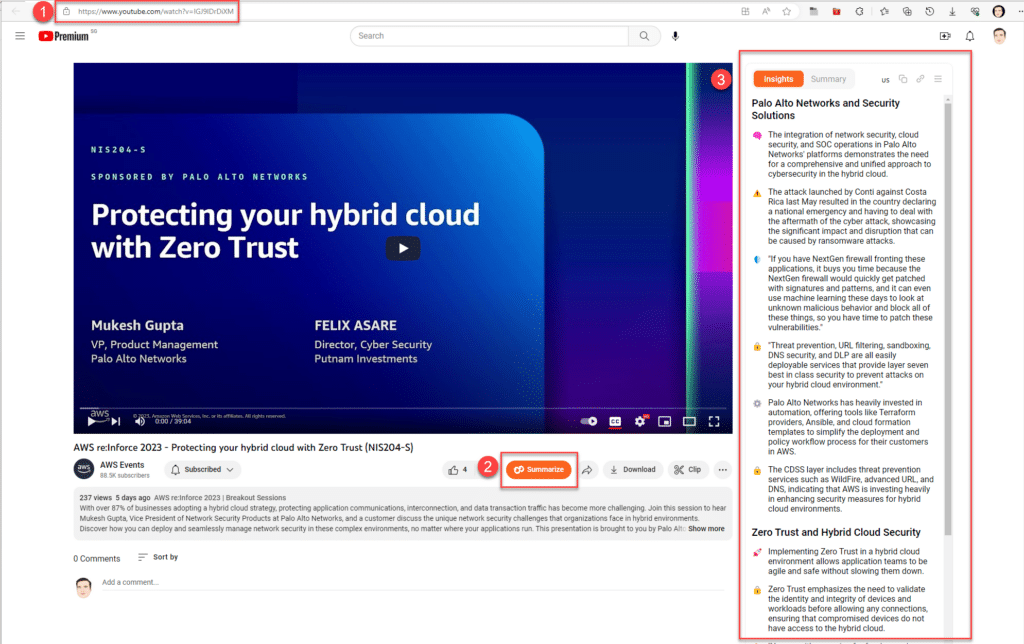
Be aware that the insights and summaries are generated from the video’s subtitles and if they are not available, you will receive the below error message
Unfortunately, subtitles are unavailable for 12% of the videos. We are unable to create summaries for them at this time. Please, try another video instead.
Step #5: Catch Up with old re:Invents
All public videos from the upcoming re:Invents will appear on the AWS Events channel. For the old re:Invents follow the below links and use the Summarize button:
References
There are alternative YouTube podcast/summarization services: