
AWS is the most advanced public cloud available nowadays due to its constant stream of innovation. That, however, means that it’s impossibly difficult to keep up with the non-stop flow of blog posts, videos and tweets. By my estimate, to stay abreast of the news, one would have to monitor at least 70 web pages every day for changes.
Fortunately, all these sources have RSS feeds and there is an automated solution for automatically monitoring such feeds – Feedly.com – a web-based RSS reader providing you a stream of only unread articles. This saves you hours a day and makes you most efficient.
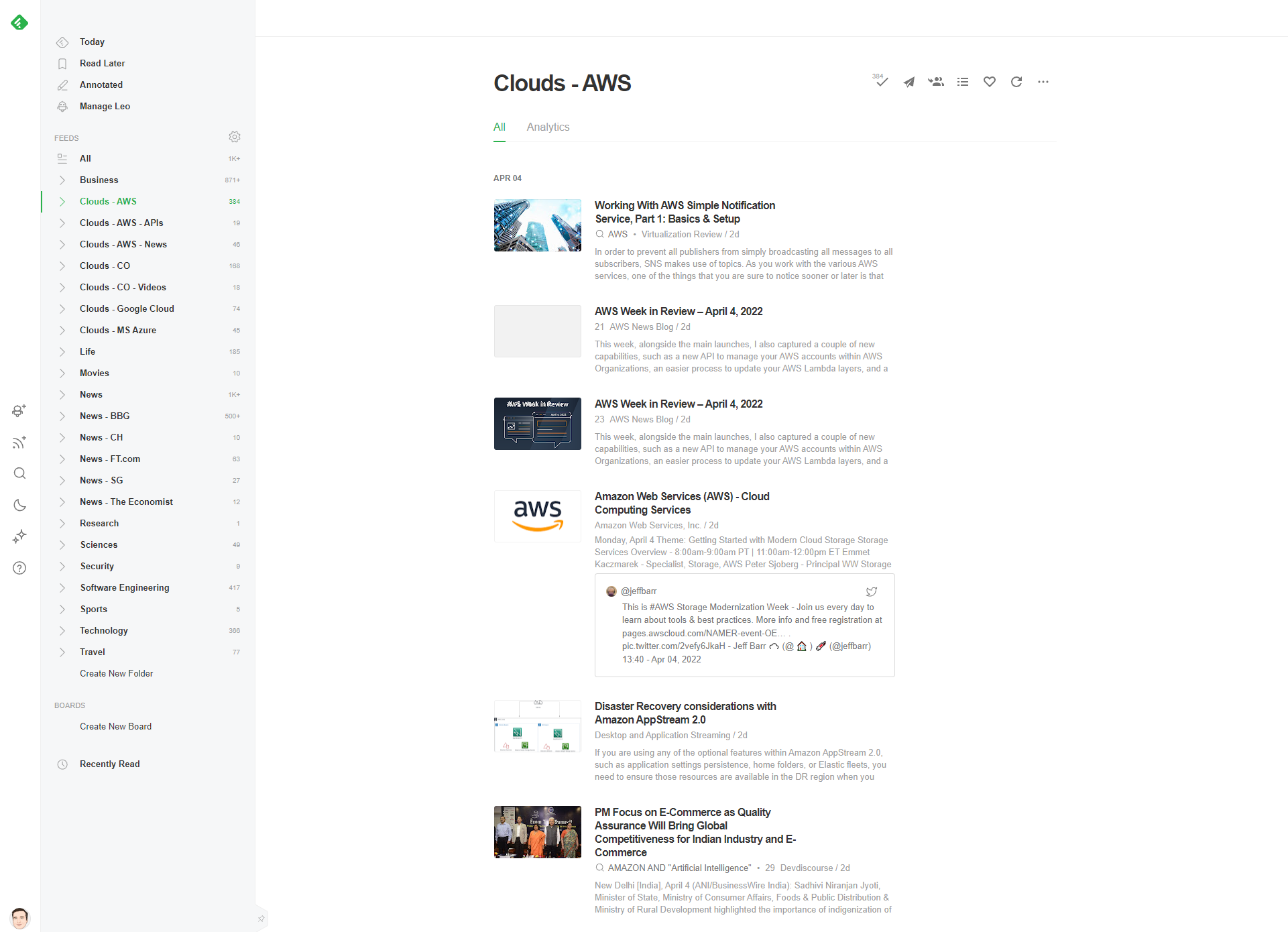
I share 265 AWS RSS feeds in an OPML format (about 200 URLs are RSS feeds for AWS health checks).
To import these into Feedly, navigate to your Feedly’s Organizer and click on the “Import OPML” button and upload the above file (after unzipping).

NOTE: the list of current feeds is always under construction.